

Touchpad-style TV control

Swipe on the phone and the big-screen pointer follows. Tap, select, and move around the TV interface with a natural touchpad feel.
Phone-powered TV control
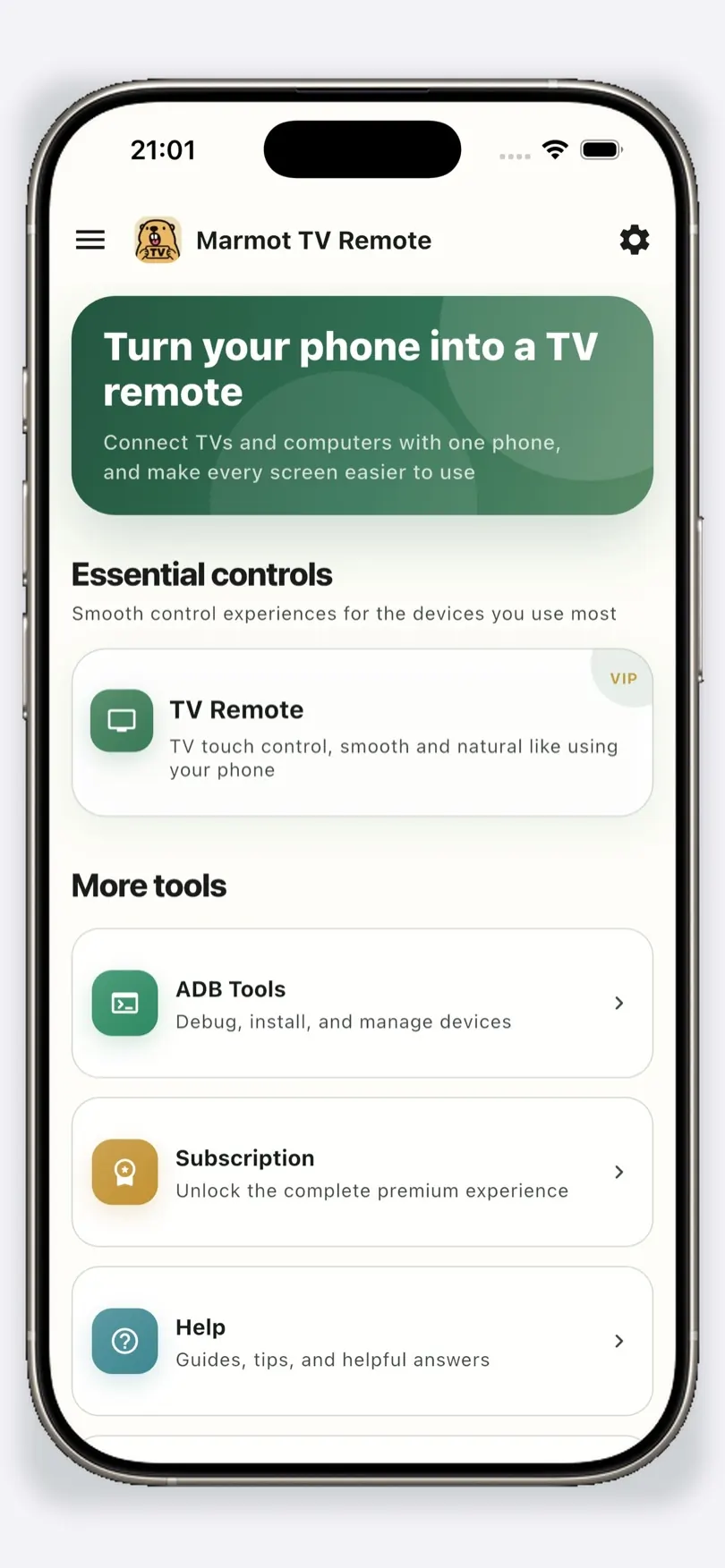
Marmot TV Remote helps you control Android TV and TV boxes with touchpad gestures, fast typing, screen tools, and app management from one phone.
iOS launches first. Android support is kept ready for Google Play.
Two core capabilities
These two flows make a TV feel closer to a touch screen, without changing the TV itself.
Swipe on the phone and the big-screen pointer follows. Tap, select, and move around the TV interface with a natural touchpad feel.

Type on your phone and send text to the TV instantly. Searching, signing in, and entering passwords become much easier.
Real app screens
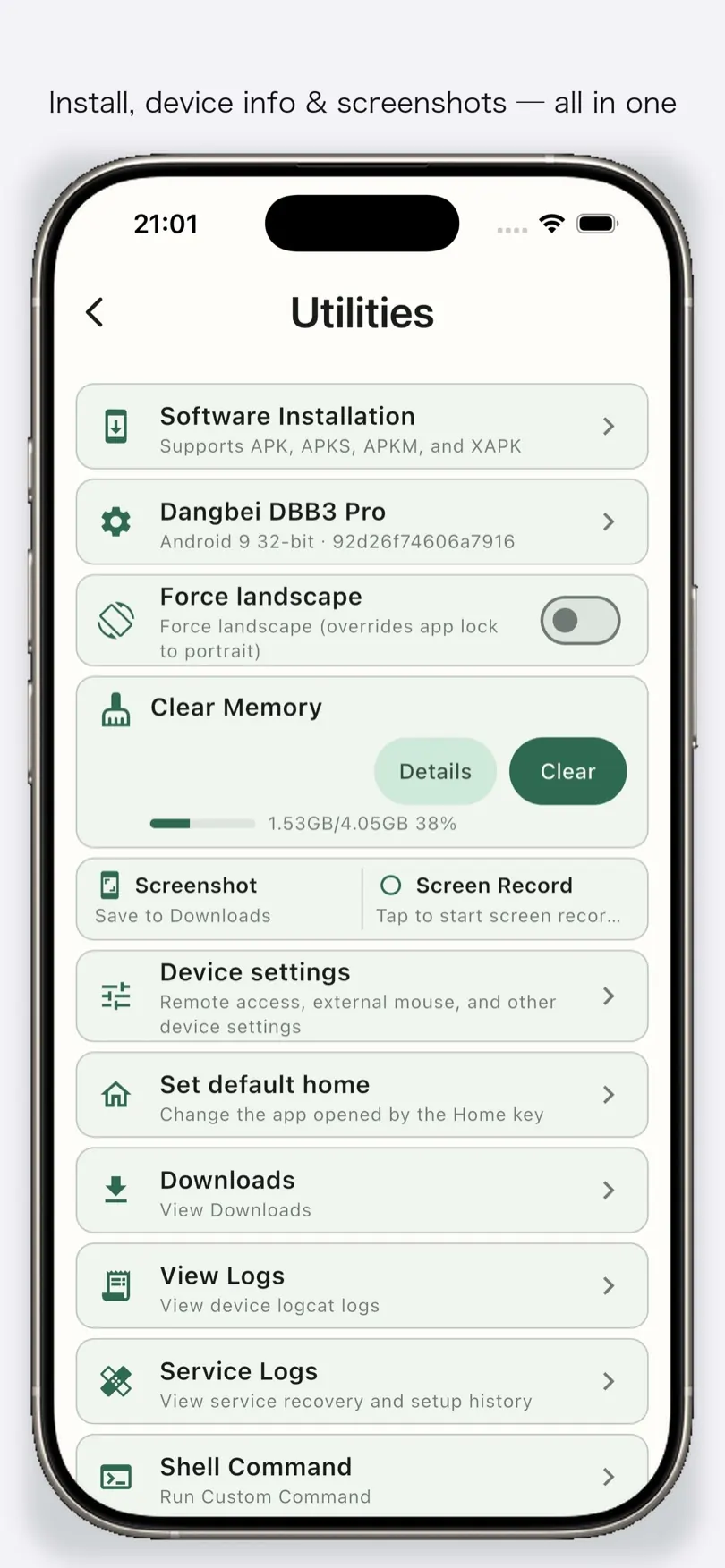
TV remote, app tools, and device utilities stay together so you can move quickly.
Core experience
Keep the phone in your hand and make every big-screen action easier.
Use your phone like a large touchpad. Point, click, drag, and navigate TV interfaces without fighting tiny remote buttons.
Type on your phone and send text to the TV instantly, ideal for search, login, and long passwords.
Manage apps, inspect device information, open tools, and handle common Android TV maintenance tasks.
Use practical screen controls and shortcuts when the TV interface is hard to operate from the sofa.
How it works
Install Marmot TV Remote on your iPhone or Android phone.
Enable ADB debugging on your Android TV or TV box and keep both devices on the same Wi-Fi.
Discover the device in the app and start using touch control, input, and TV tools.
FAQ
Both. The phone app gives you a touch remote and fast typing, while ADB enables deeper TV tools such as app management and device utilities.
Most Android TV devices, smart TVs, and TV boxes that allow ADB debugging can be used. The phone app supports iOS and Android.
It is designed for Android TV control through network and ADB features. Device compatibility depends on the TV system and enabled permissions.
Contact
Join our Telegram group for questions and feedback.
